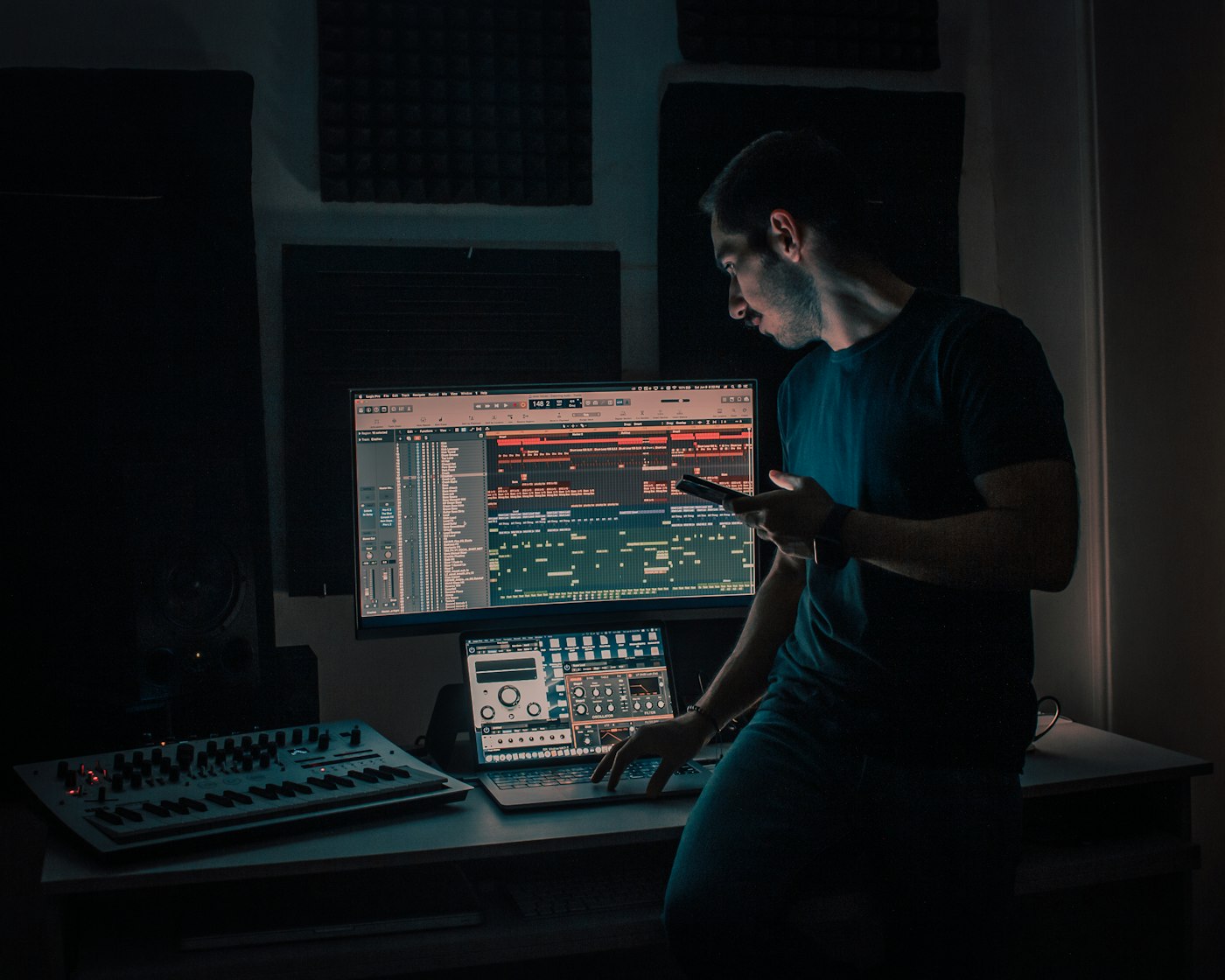
How We Edit
Your Footage
A plain-English walkthrough of everything that happens between the shoot wrapping and your final files landing in your inbox: no magic, just process.
Most people think editing is just "cutting out the bad parts." In reality, post-production is where 60–70% of the creative work happens. The shoot gives us the raw material: editing is where it becomes something. Below is a complete, unfiltered look at every step of our video and photo post-production process, what the software is actually doing, and why it matters for the finished product you receive.
The 8-Step Video Edit
In the order it actually happens, every time.
Footage Ingestion & Organisation
Everything shot on location is copied off the camera cards, backed up to two separate drives (one on-site, one off), and renamed with a consistent date/project/clip naming scheme. Raw footage is never touched directly: we always work from a copy. You can think of this like mise en place before cooking: before a single cut is made, every file is in its place.
Rough Assembly
We drop every usable clip onto a timeline in chronological or narrative order: nothing is cut yet, just arranged. This is the "ugly first draft" stage. The goal is to see the full story end to end at once so we can identify what's essential, what's filler, and where the natural beats are. For a 90-second brand video, the rough assembly might run 12–15 minutes.
Fine Cut & Story Edit
This is where most of the creative work happens. We trim every clip to its best moment, cut on audio cues and natural motion, and sequence scenes to create rhythm and momentum. Interview-based videos are script-edited first: we transcribe the audio and edit the words like a document before touching the timeline. Music is introduced here to help pace the edit.
Color Grading
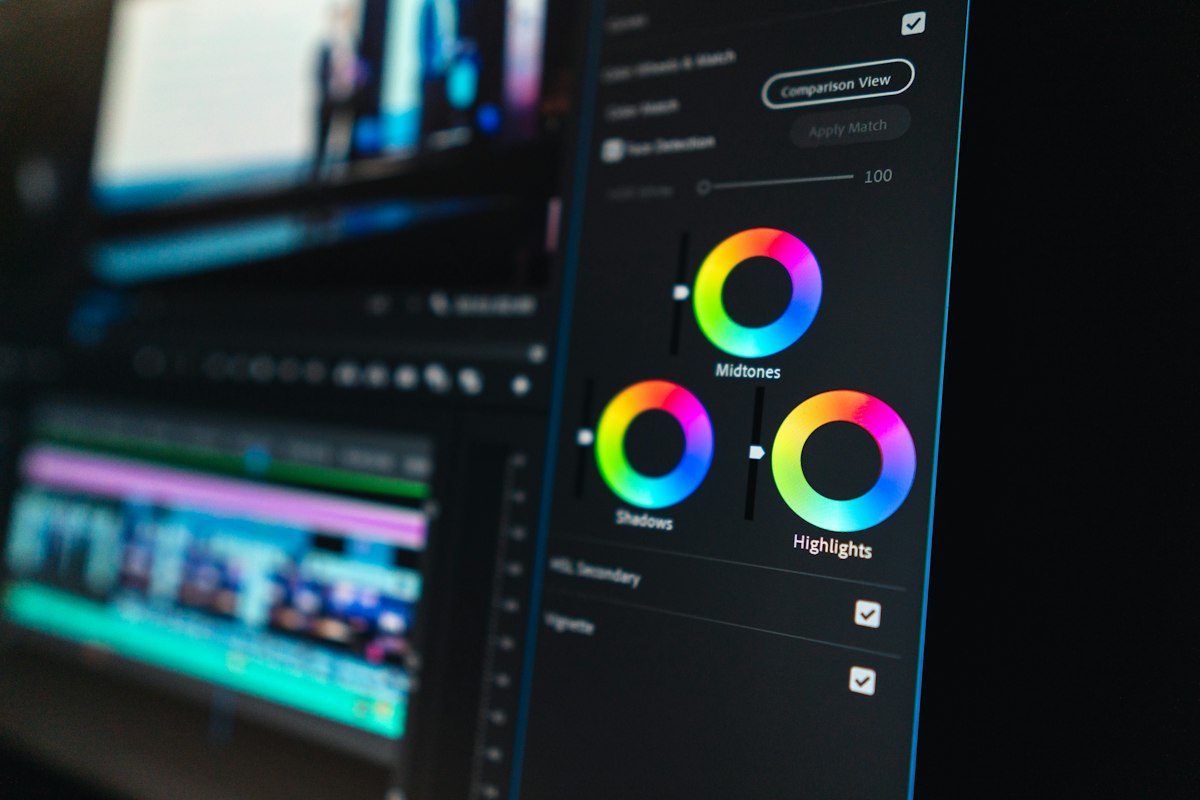
Raw footage from a camera looks flat and desaturated on purpose: it's shot in "log" format to preserve maximum shadow and highlight detail. Color grading is the process of turning that flat image into the final look. We do a two-pass grade: first a "primary" correction to normalise exposure and white balance across all clips so they match each other, then a "secondary" pass to build the creative look: the contrast, saturation, skin tones, and overall feel.
Audio Mix & Sound Design
Most people don't notice good audio: they only notice bad audio. We level all dialogue tracks so every word is intelligible, cut out room noise and breath pops with iZotope RX, balance music so it supports the video without fighting the voice, and add any sound design elements (transitions, ambience, effects) that give the final cut depth. Everything is exported at -14 LUFS for streaming platforms or -23 LUFS for broadcast.
Motion Graphics & Titles
Lower thirds, call-to-action overlays, logo animations, and chapter titles are built in Adobe After Effects and composited into the final timeline. We match your brand typefaces and colour palette exactly. If you need a custom animated logo sting or a full animated explainer sequence, that's scoped separately: but standard text overlays and CTA cards are included in every video package.
Client Review & Revisions
We upload a private unlisted link via Frame.io: you can watch the cut and leave timestamped comments directly on the video. No email chains, no "at 0:42 in the third scene" confusion. Each package includes two rounds of revisions. Most projects land in one.
Final Export & Delivery
Once approved, we export the final file in every format you need: typically: a master (ProRes or H.265 4K), a web-optimised H.264 at 1080p, a vertical 9:16 version for Reels/TikTok, and a square version for Instagram. Files are delivered via Google Drive or WeTransfer. We retain your project files for 90 days in case you need future changes.
Why footage looks flat until we grade it
Cameras shoot in "log" or "flat" picture profiles because sensors capture far more detail in those modes than in standard colour profiles. The trade-off is that log footage looks washed out and grey straight off the card: it's not broken, it's deliberate.
When we grade in DaVinci Resolve, we apply a LUT (Look-Up Table) to convert the log signal back to a viewable colour space, then build the creative look on top: deepening shadows, lifting midtones, adjusting skin tones, saturating specific colours while muting others. The "warm cinematic look" you see in high-end brand videos? That's a grading decision made in post, not something that happens in-camera.
For photo shoots, the equivalent is shooting RAW (.CR3, .ARW). RAW files contain two to three times more colour and exposure data than a JPEG: that latitude is what allows us to recover blown-out highlights or lift crushed shadows in editing without the image falling apart.
The 5-Step Photo Edit
What happens between the shutter click and your gallery delivery.
Culling
A one-hour shoot might produce 800–1,200 raw frames. Culling is the process of going through every single frame and grading it: Keep (★★★), Maybe (★★), Delete. We're ruthless: out-of-focus frames, duplicate shots, blinks, and anything technically compromised goes straight to trash. What you're paying for is our editorial eye, not a folder full of raw files.
Global Corrections
Every selected raw file goes through Adobe Lightroom for global corrections: exposure, white balance, highlights, shadows, blacks, whites, clarity. These are applied as non-destructive adjustments: the original raw file is never modified. We sync corrections across similar shots so the whole gallery looks consistent, not like a dozen different cameras on a dozen different days.
Selective Retouching
Portraits and headshots get a targeted skin retouching pass in Adobe Photoshop: blemish removal, stray hair cleanup, catchlight enhancement, and subtle skin smoothing that looks natural: not airbrushed. We don't reshape faces or bodies unless explicitly requested. Product shots get background cleanup, reflection control, and dust removal. Commercial lifestyle shots get minimal retouching to preserve authenticity.
Colour & Style Grade
We apply a consistent colour grade across the full gallery: similar to a film LUT but tuned to the specific lighting conditions of your shoot. The goal is a cohesive set of images that look like they belong together and match your brand's visual identity.
Export & Delivery
Final images are exported in multiple resolutions: full-size JPEG (web-quality, ~3–8MB) for print and large format use, a web-optimised version (1200px on the long edge, ~300–500KB) for your website and social media, and square crops where needed. Delivered via shared Google Drive folder within 48–72 hours of the shoot.
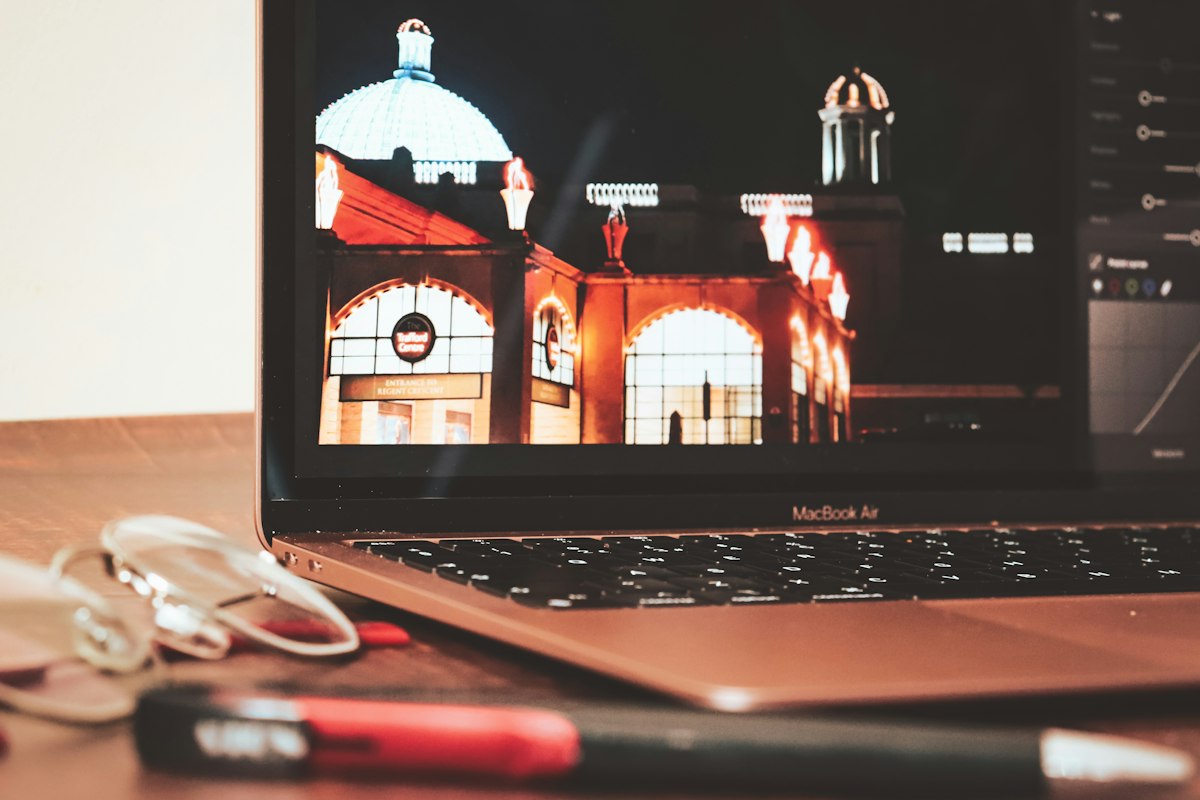
Every adjustment is non-destructive: the original RAW file is never overwritten.
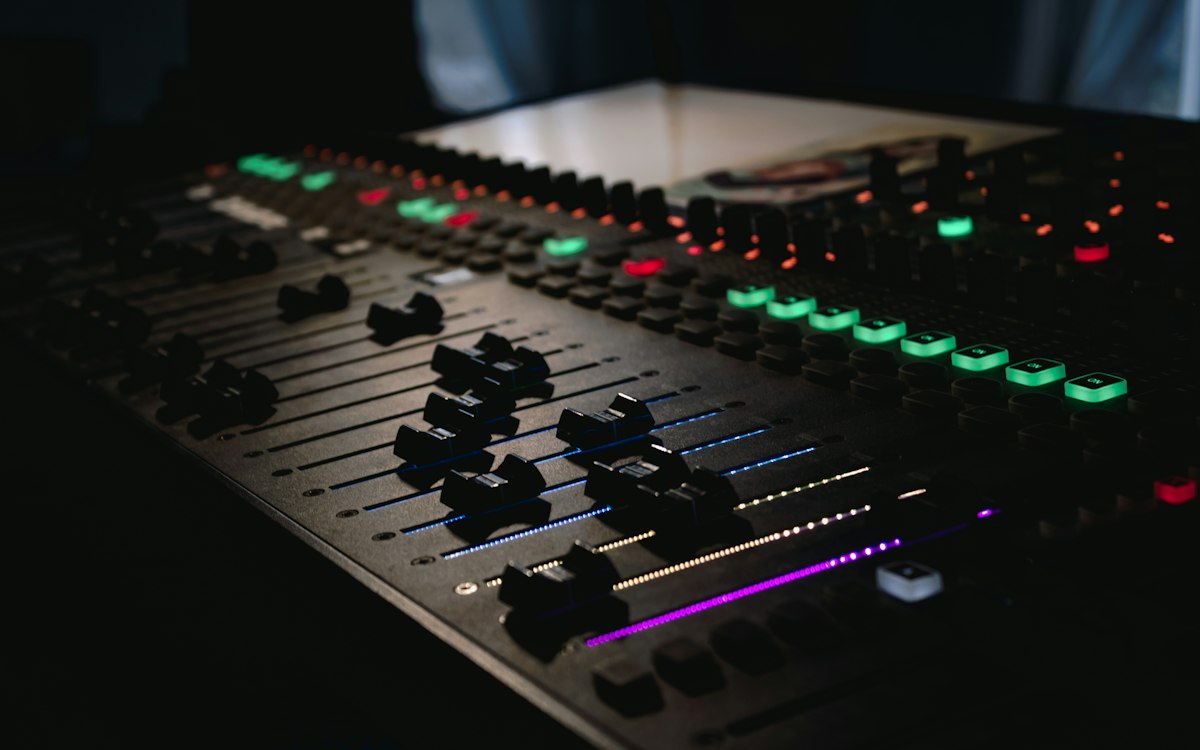
Audio is 50% of the video
Audiences will forgive mediocre visuals far more readily than they'll forgive bad sound. Muffled dialogue, inconsistent room tone, music that drowns out the voice: these kill viewer retention faster than anything else.
We process every dialogue track through iZotope RX to remove background noise, air conditioning hum, and wind. Then we manually ride gain levels so every sentence is heard at the same volume. Music is ducked (automatically lowered) under speech using dynamic linking in Premiere Pro, so it never fights with your message.
- ▸-14 LUFS for YouTube & streaming
- ▸-23 LUFS for broadcast
- ▸−1 dBTP true peak ceiling (prevents distortion)
- ▸Separate music, dialogue & SFX stems on request
What You Actually Receive
Every format, every aspect ratio, every platform.
🎬 Video Deliverables
- H.264 MP4: 1080p or 4K (web & social)
- H.265 HEVC: compressed 4K master
- ProRes 422: broadcast-grade master (on request)
- 16:9 widescreen (standard)
- 9:16 vertical (Reels, TikTok, Stories)
- 1:1 square (Instagram feed)
- Closed captions SRT file (on request)
- Separate audio stems (music / dialogue / SFX)
📷 Photo Deliverables
- Full-res JPEG: ~3,000–6,000px long edge
- Web-optimised JPEG: ~1,200px, <500KB
- Square crops (1:1) for feed where applicable
- Print-ready TIFF (on request, +$50)
- RAW source files (on request, +$150)
- Google Drive shared folder: 90-day retention
- Filenames keyed to shoot date & subject
- EXIF metadata preserved
Common Questions
Straight answers about the editing process.
Do I get the raw footage / raw photo files?
Raw video footage is not included in standard packages: raw files are massive (a one-day shoot can exceed 2TB) and require specialised software to view. You receive the edited, colour-graded, delivery-ready files. Raw footage delivery can be arranged for an additional fee. For photos, we deliver high-resolution JPEGs. RAW (.CR3, .ARW) files are available as an add-on.
How many revisions are included?
Video packages include two rounds of revisions. A "revision" means one consolidated list of changes: not individual back-and-forth emails. Photo packages allow one round of feedback after the initial gallery delivery (e.g. "I prefer the brighter version of this shot"). Additional revision rounds are billed at $75/hour.
What file formats do you deliver?
Video: H.264/H.265 MP4 (web), ProRes 422 (broadcast master), 16:9, 9:16, and 1:1 aspect ratios. Photos: High-res JPEG (~3,000–6,000px), web-optimised JPEG (~1,200–2,000px). Print-ready TIFFs available on request.
Can I use the content on social media, my website, ads, and print?
Yes: all deliverables come with a full commercial licence for digital use (website, social, paid ads, email). Billboard and broadcast (TV/cinema) licensing requires a separate agreement. Music used in videos is licensed through Artlist or Epidemic Sound, which covers YouTube, Instagram, Facebook, and web use.
What software do you use?
Video editing: Adobe Premiere Pro, DaVinci Resolve. Color: DaVinci Resolve. Motion graphics: Adobe After Effects. Audio: Adobe Audition, iZotope RX. Photo editing: Adobe Lightroom Classic, Adobe Photoshop. All current 2026 versions.
How long does editing take?
Photo galleries: 48–72 hours. A 60–90 second brand video: 5–7 business days. A full-length event recap (3–5 minutes): 10–14 business days. Rush turnaround (48 hours for video) is available at a 40% surcharge.
Ready to book a shoot?
Now you know exactly what happens after we wrap. No surprises, no mystery: just a clean, professional process and files delivered on time.